How to make a ChatGPT image editable in Canva
Free, in my newsletter The AI Path.
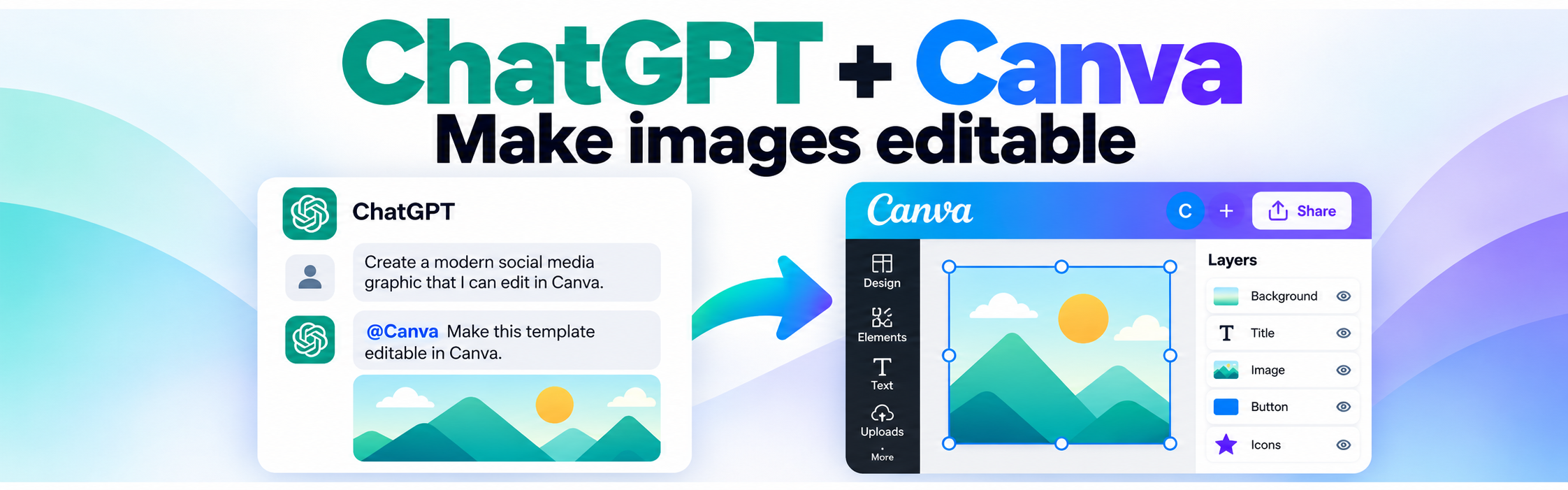
- Create the image in ChatGPT.
- Open Plugins in ChatGPT.
- Search for Canva and connect it.
- Go back to the chat where you created the image.
- Type @Canva and send:
Make this template editable in Canva- ChatGPT will create a Canva version and give you an edit link.
- Open the link in Canva and edit the text, layout, colors, icons, and other elements.
Tip: You do not need to recreate the image from scratch. Convert the image you already made into an editable Canva design.