Claude can apply to jobs for you!
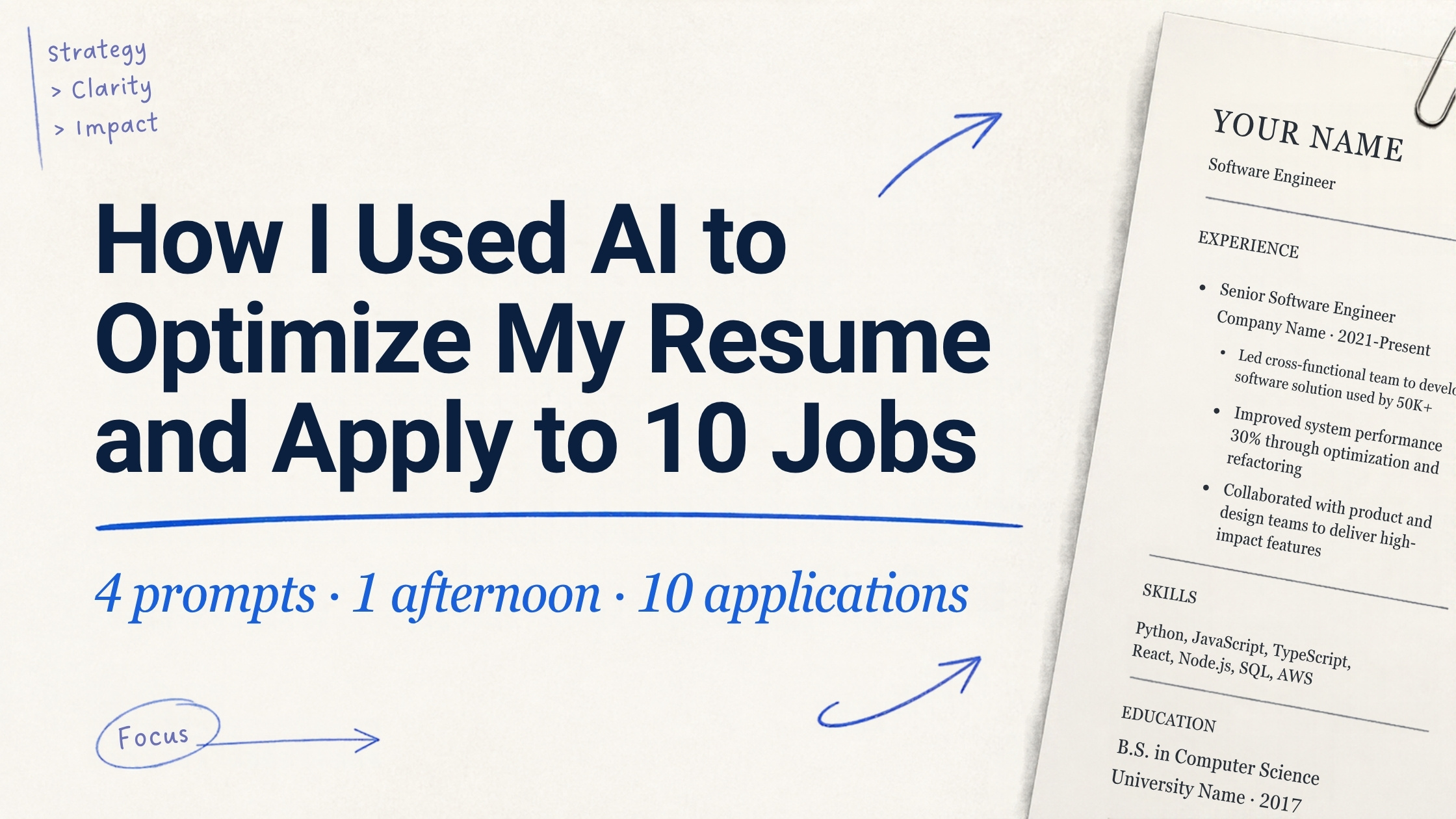
4 prompts, 1 afternoon, 10 tailored applications. The exact Claude prompts I used to optimize my resume and apply on LinkedIn.
Gratis, en mi newsletter The AI Path.
Get a brutal recruiter score
Before you change a single word on your resume, get an honest score. Paste your resume text and the job description into Claude and send this:
Act as a senior recruiter for this exact company. Analyze my resume against this job description and give me a match score out of 100, the top 5 missing keywords, and the 3 red flags a hiring manager would spot in under 10 seconds.What comes back: a weighted score table covering stack fit, core skills, AI/GenAI work, domain experience, years, education, and location. Then 5 missing keywords and 3 red flags a recruiter would catch before they read a second bullet.
Typical red flags: the main tech stack is absent, the profile reads like a content creator rather than an engineer, and short tenures or a location mismatch that triggers a pass in the first 10 seconds.
The key lesson: Only add a keyword if you've actually used that tool. You'll be asked about every single one in the interview.
Rewrite your experience with the Google XYZ formula
Now fix what the score found. Send this in the same chat:
Rewrite my experience section to naturally include those keywords and remove the red flags. Use the Google XYZ formula: Accomplish X as measured by Y by doing Z.A few tactics worth knowing:
- Group promotions under one company. Instead of three separate entries that look like job-hopping, it becomes one entry with a visible promotion trail.
- Cut gratitude language. No "I'm so grateful to have worked at…". Every bullet opens with a business outcome.
- Use the company's own words. If the job description says "merchandising" and "inventory", those exact words go in your bullets.
- Collapse early roles into one line. Saves space for what actually matters.
The output will have [X%] placeholders where metrics belong. Fill those with real numbers from your actual work. Never invent metrics. A recruiter will ask you to explain every number on the first screening call.
Survive the ATS and the 7-second scan
Your resume passes two filters before a human reads it: an ATS parser and a hiring manager scanning 200+ resumes. Send this:
Now act as an ATS filter and a hiring manager reading 200+ resumes per day. Scan my new resume and tell me which sections would get skipped, then rewrite them so they actually stop the scroll.What this fixes:
- Layout. Single-column only. LinkedIn's PDF export uses a sidebar that many ATS parsers misread entirely.
- Skills block. Add a dedicated section with exact keywords from the job description.
- Bullet format. Number first, metric bolded. "Reduced pipeline latency by 40% by migrating to…"
- Summary. Three lines: brands you've worked at, years of experience, one promotion mentioned to pre-empt tenure questions.
- Location and authorization. State your city and work status clearly. Ambiguity is a pass.
- Certifications. Drop anything weak or irrelevant. One strong cert beats four filler ones.
- Length. One page.
Let Claude apply for you on LinkedIn
Claude has a browser tool that works inside your logged-in LinkedIn session. With your optimized resume ready, send this:
Now that my resume is optimized, go to my LinkedIn and apply to 10 jobs I have the highest chance of landing an interview for. Customize the application for each one based on the job description.Before touching anything, Claude asks four questions: your target location, how to answer work authorization questions, which resume version to use, and how much review you want before each submission. Answer those and it gets to work.
What it does:
- Builds a clean one-page PDF from your final resume, no placeholders
- Runs LinkedIn searches, reads each job description, and filters out roles requiring 8+ years or a stack you don't have
- Ranks 10 roles by realistic interview chance: strong fits first, then stretches
- Writes a 2-line tailored note per application: the job's top requirement, then your matching proof
Example notes it wrote for me:
For a retail data engineering role: "Retail data engineer from Inditex (Zara), where I maintained 150+ Kimball-modeled master data entities powering merchandising and inventory."
For a cloud-focused role: "AWS-certified data engineer with production experience on Redshift and Glue pipelines at Amazon, now driving GenAI adoption at Nestlé."
Two things you still handle yourself:
- The browser extension can't upload files into LinkedIn. Upload your new resume once manually, then Claude selects it for every application.
- Easy Apply pre-fills your profile phone number. If you're applying in a different country, switch it to a local number first.
One more thing: recruiters see your LinkedIn headline on every application before they open it. Fix it before you apply. An influencer-style headline kills a strong resume instantly. Answer every screening question truthfully — if you have 0 years with a tool, say 0.
Mistakes to avoid
- Adding tools you've never used. You will be asked. You will fail the screen.
- Submitting a resume with [X%] placeholders. It happens more than you'd think. Check twice.
- Mass-applying to roles that need 8+ years when you have 4. It wastes time and trains LinkedIn's algorithm to show you irrelevant roles.
- Leaving your influencer headline on job applications. Keep two versions: one for content, one for job searching.
- Auto-submitting without reviewing what Claude wrote in your name. You own every word that goes to a recruiter. Read it before it goes.
I cover practical AI workflows like this every week in The AI Path, my newsletter for data and AI professionals. Subscribe here.