LocalSend: Free AirDrop for Every Device
Free, open-source file sharing between Windows, Mac, Linux, Android and iPhone over Wi-Fi. No account, no cloud, no size limit.
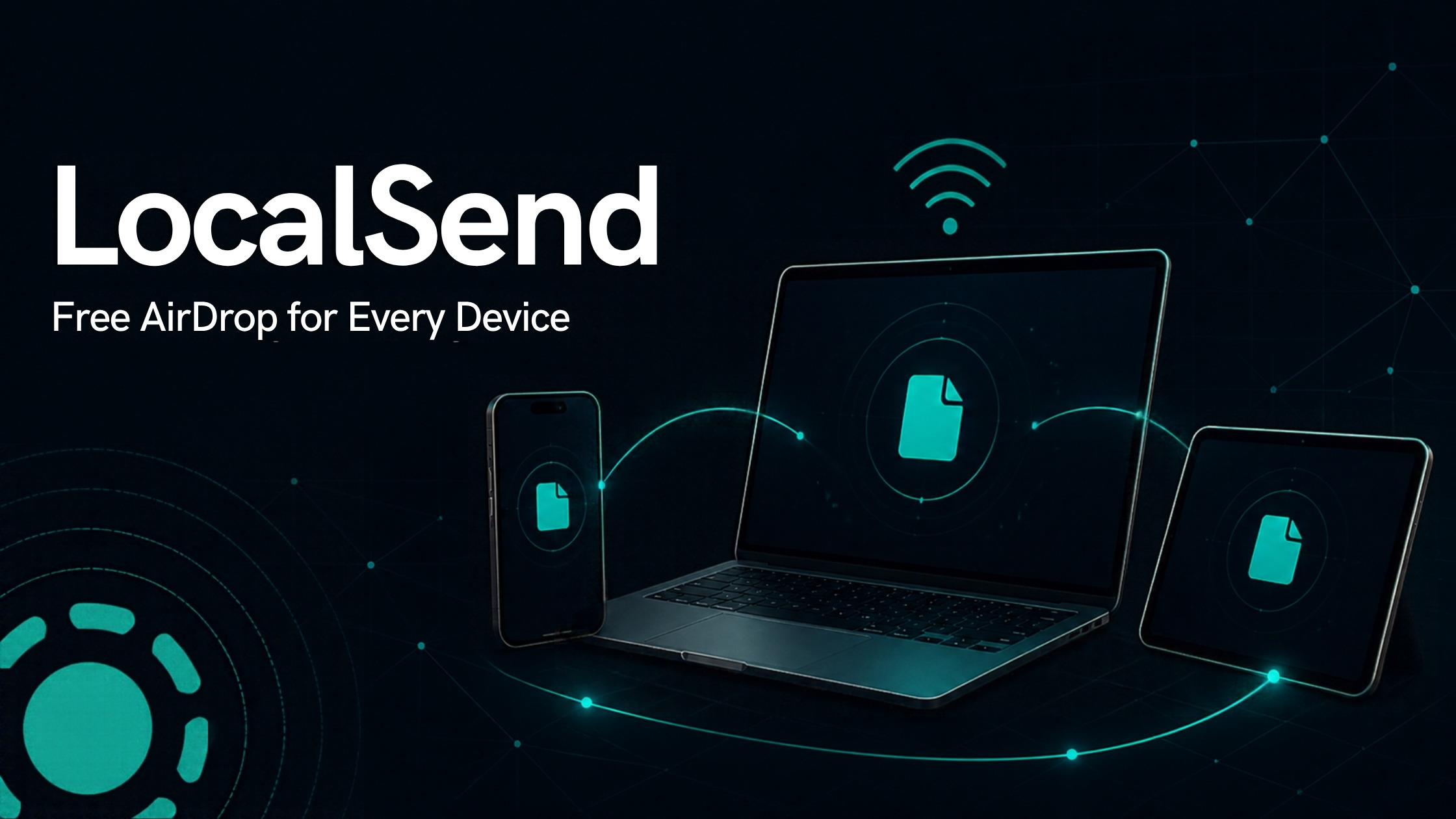
LocalSend sends files between any device on your local Wi-Fi. Windows, Mac, Linux, Android, iPhone — pick any two. No account, no cloud, no file size limit.
It beats AirDrop because it works across every OS. It beats email and cloud because your files never leave your network.
Gratis, en mi newsletter The AI Path.
What you need
- LocalSend installed on both devices (sender and receiver)
- Both devices on the same Wi-Fi network (not a guest network)
Install LocalSend
Windows
Microsoft Store, or run this in a terminal:
winget install LocalSend.LocalSendOr download the .exe directly from localsend.org.
Mac
Mac App Store, or:
brew install --cask localsendiPhone / iPad
App Store → search LocalSend.
Android
Google Play, or F-Droid if you prefer open-source stores.
Linux
Flathub:
flatpak install flathub org.localsend.localsend_appOr grab the .deb or AppImage from localsend.org.
Send a file
STEP 1
Open LocalSend on both devices
STEP 2
On the sender: tap Send
Pick your files, folder, or text snippet.
STEP 3
Tap the receiving device in the list
It appears automatically once both devices are open on the same network.
STEP 4
Accept on the other device
The transfer starts immediately.
Troubleshooting
| Problem | Fix |
|---|---|
| Device doesn't show up | Are both on the same Wi-Fi? Not on a guest network? Turn off any VPN. |
| Windows blocks it on first launch | Allow LocalSend through the firewall when prompted. Missed it? Add it manually in Windows Defender Firewall. |
| Still nothing | Use the manual IP option inside the app. LocalSend uses port 53317. |
Download at localsend.org · github.com/localsend/localsend · Apache 2.0