Run PS5 games on your PC with AnyPS5
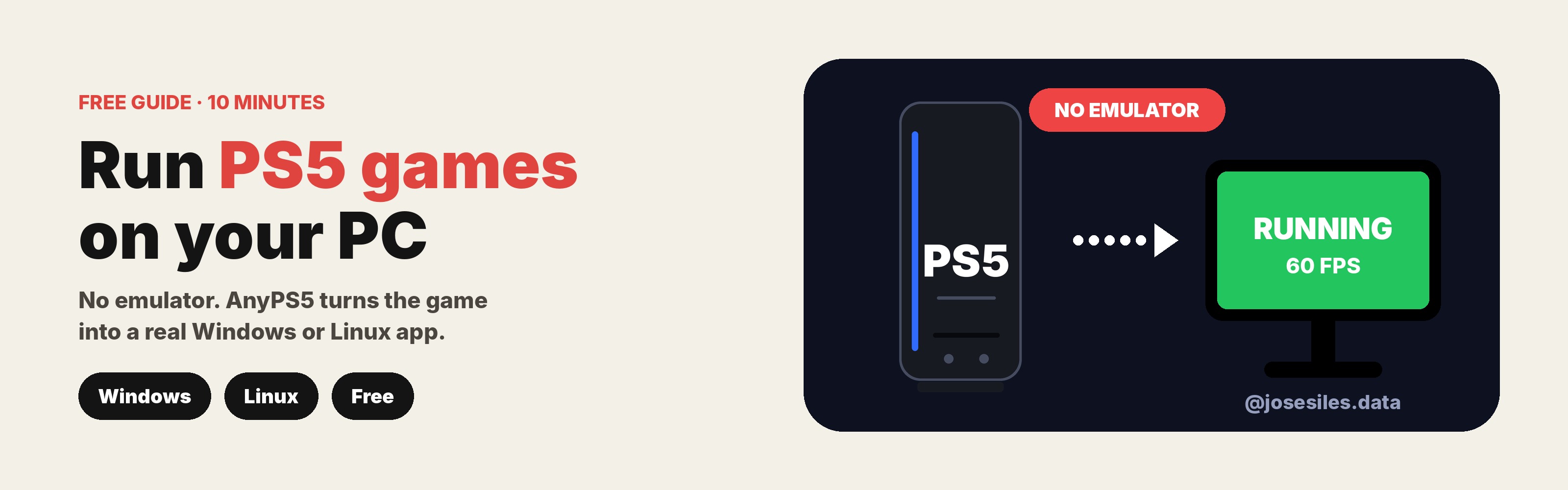
AnyPS5 is not an emulator. It takes a PS5 game's program and rewrites it into a normal Windows or Linux app, so it runs directly on your PC.
Before you start: read this
AnyPS5 does not include any games, firmware or keys. You need your own legally obtained, decrypted copy of a game you own. This guide doesn't cover how to get those files. The project is early, so only some games work right now.
Free, in my newsletter The AI Path.
What you need
- A 64-bit PC (x86-64) running Windows or Linux
- Your game's files: one decrypted executable (ELF), plus its sce_sys/ and sce_module/ folders
- Desktop Chrome or Edge (for the easy method)
- A controller, or keyboard and mouse
Step 0 · Don't skip
Check if your game works
Open the community compatibility map before converting anything: alxcbtw.github.io/anyps5-roadmap. If your game has known blockers, it won't run yet.
Method 1 · The easy way (in your browser)
No installing, no code. The conversion runs on your computer, and your files never leave your device.
STEP 1
Put the game files in a ZIP
Zip the folder that contains the executable, sce_sys/ and sce_module/. You can also select the folder directly.
STEP 2
Open the converter
Go to boykopovar.github.io/AnyPS5 in desktop Chrome or Edge, and drop your ZIP onto the page.
STEP 3
Pick your system
Choose Windows .exe or Linux .elf. If you have an Intel processor, turn on the option to convert AMD-specific instructions for Intel.
STEP 4
Choose how to save it
Small games: in-memory download. Big games: save ZIP to disk or save to a folder.
STEP 5
Convert and play
Click Convert & save, check the log for errors, then open the .exe (Windows) or .elf (Linux).
Method 2 · For big games (command line)
Use this if your game is over the browser limit (256 MiB). You'll use the relinker tool from the project's GitHub.
STEP 1
Arrange your files like this
source/ input.elf sce_module/ (the game's modules)
STEP 2
Convert it
Windows:
relinker --windows source/input.elf app.exe
Linux:
relinker source/input.elf app.elf
Intel CPU? Add --to-intel.
STEP 3
Set up the folder next to your app
app.exe (or app.elf) libs/ *.prx app0/ (the game's resources) sce_module/ (converted modules)
Copy the system libraries (*.prx) into libs/. The tool prints where it saved the converted modules.
STEP 4
Launch it
Windows (PowerShell):
.\app.exe
Linux:
chmod +x app.elf ./app.elf
🎮 Controller or keyboard?
Controllers work out of the box, including sticks and triggers. To play with keyboard and mouse, set your keys in the anyps5-input.ini file.
If something goes wrong
| Problem | Fix |
|---|---|
| The app closes right away | Your game probably isn't supported yet. Check the compatibility map. |
| Browser says the game is too big | Use "save to disk" in desktop Chrome or Edge, or use Method 2. |
| Crashes on an Intel PC | Turn on the Intel option (Method 1) or add --to-intel (Method 2). |
| Conversion fails | Only decrypted executables work. Make sure sce_module/ sits next to it. |
Enjoyed this?
Follow @josesiles.data for a new AI tool every day.
Project: github.com/boykopovar/AnyPS5 · GPL-2.0